
Highlighting the 80th Column in Vim
07/13/14
Vim is a text editor. It is the best text editor. That's right, Stephan, better than emacs (yes, huh). It's got a bit of a learning curve to it, but it's worth it for the level of control gained.
I am not using vim to its full potential. Though, to be fair, very few probably are. Getting to a level of comfort and staying there is pretty normal. I have stopped a bit too far from maximizing my text editing effectiveness.
For that reason, I have to decided to make a drastic change to my .vimrc file (the vim settings file, basically). I am going to....
Pause for dramatic effect.
Do what the title of this post says.
Probably actually only a one-liner. Googling... googling... googling...
Oh, oh. That last one. This one. Yeah. Now to just post the code in here....
set colorcolumn=80
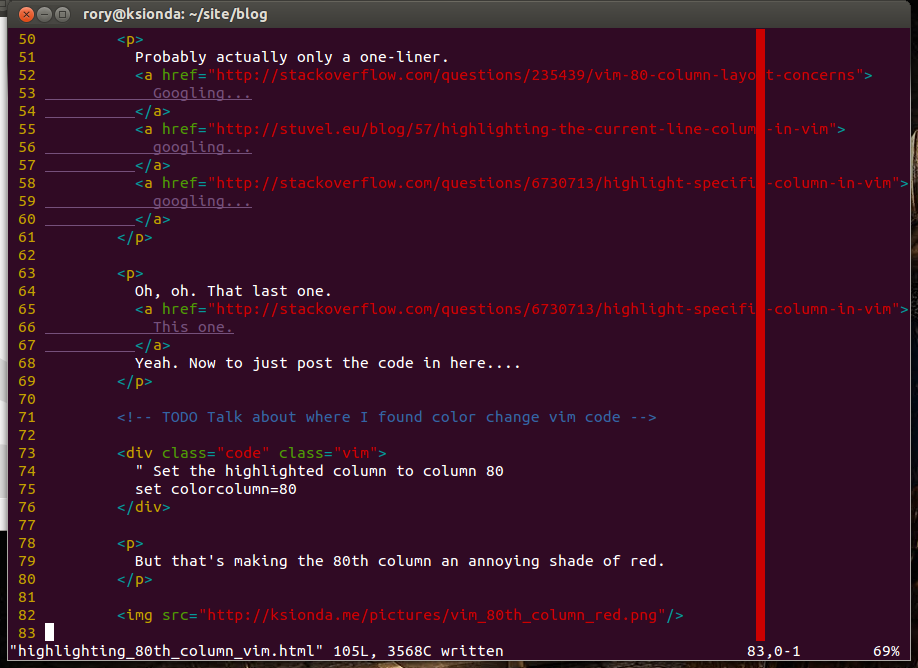
But that's making the 80th column an annoying shade of red.
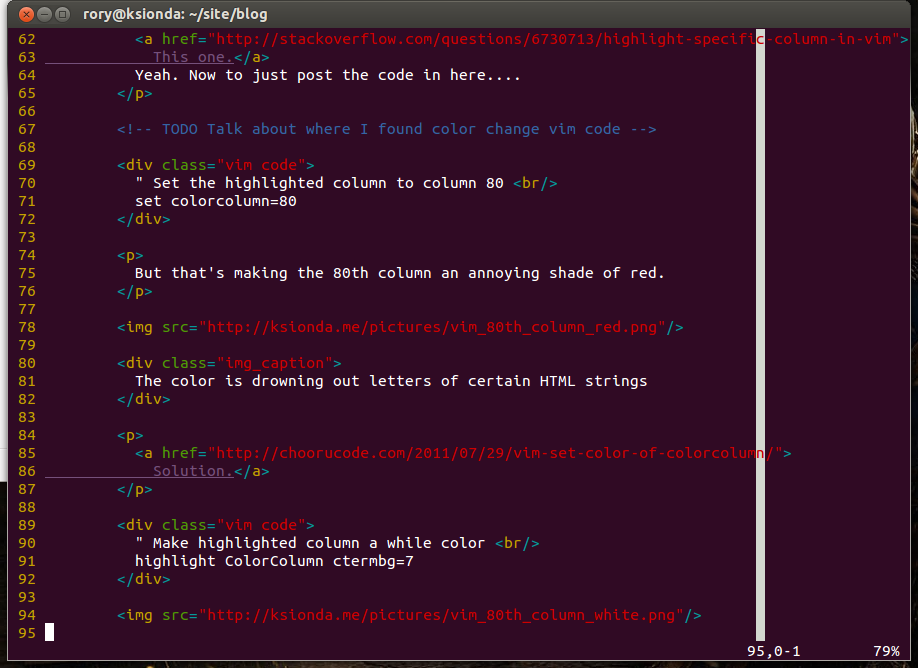
highlight ColorColumn ctermbg=7
I think that looks much better.
Grade B
This is a long post for such a small thing, but it's a warmup for things that are harder to do, I think. Like other vim stuff I've been putting off.
Hmmm... I've been doing styling stuff behind the scenes up until now, but I suppose it could be useful to have some sort of meta-post about this.
Oh, oh, there's a link, I made a meta-post about it. Yep, I'm going to blog proper about the learning I do to improve this site.