
Vim: Functions
03/26/15
So, last time I talked about vi in the command-line. This time let's talk about vimscript functions. Well, let's talk about my limited understanding of vimscript functions, as there's still a lot for me to figure out.
A vimscript function is easy enough to define, here's an empty function:
            :function Noop()

            :endfunction
And if you're some crazy person who wants their function to do something:
            :function Hello()

            :   echom "Hello!"

            :endfunction
And with this function defined I can
:call Hello()
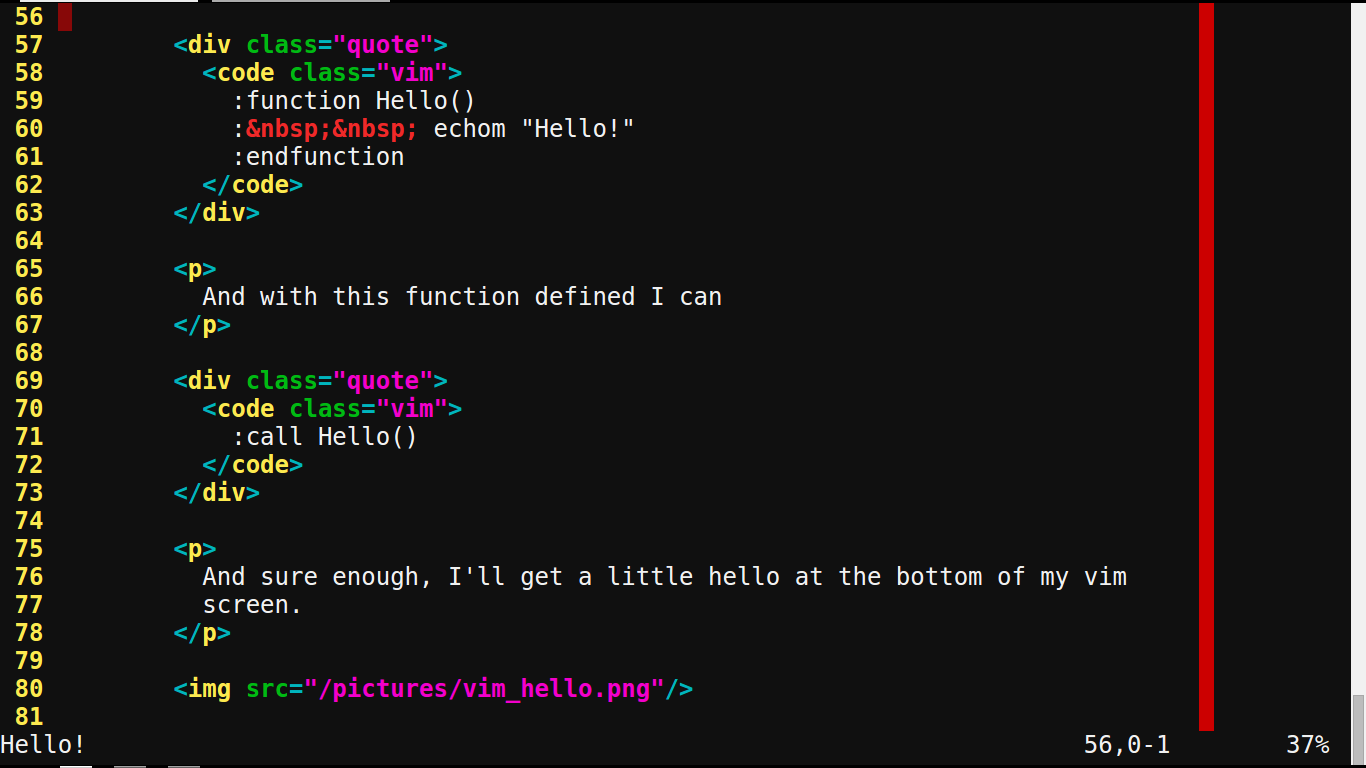
And sure enough, I'll get a little hello at the bottom of my vim screen.
Anyways, there were two functions that I wanted:
- A function to resource my vimrcs
- A function to open the ftplugin vimrc for the current filetype I was editing
This was pretty easy, actually!
            :function SourceFtpluginFiletype()

            :   let sourceFile = '/home/silentk/.vim/ftplugin/' . &filetype . '.vim'

            :   if filereadable(sourceFile)

            :       execute 'source ' . sourceFile

            :   endif

            :endfunction
            :function SplitFtpluginFiletype()

            :   let sourceFile = '/home/silentk/.vim/ftplugin/' . &filetype . '.vim'

            :   execute 'sp ' . sourceFile

            :endfunction
Now, this isn't perfectly setup just yet, as I couldn't figure out how to have vim expand '~' to /home/$USER so that I didn't have to hardcode the user (my username changes quite a bit, you see, whereas my vim setup is as close to static as I can get it). But right now, this works on my chrome setup quite nicely, and I can use what I've learned about macros and what I know about nmap to make these function calls easier.
            nmap <C-j> <C-w>j:call SourceFtpluginFiletype()<CR>

            nmap <C-k> <C-w>k:call SourceFtpluginFiletype()<CR>

            nmap <C-h> <C-w>h:call SourceFtpluginFiletype()<CR>

            nmap <C-l> <C-w>l:call SourceFtpluginFiletype()<CR>
The above makes it so when I jump between files in vimsplit, my ftplugin for the filetype I'm switching to is loaded. This actually isn't done automatically for switching between files in vimsplit, though it is done when opening a new file for vimsplit.
let @n = ":call SplitFtpluginFiletype()\<CR>\<C-w>"
And this makes it so I call my Split function with a simple '@n'.
Adding functions to my vim toolkit is really going to add a lot of power to my editing speed and capabilities. It's also revealing a lot of my ignorance on vimscript and how to do things that come quite naturally to me in other languages.
Next post? Unravelling some confusions I have about various things.